
By SureRank Team
The AI SEO tool market in 2026 is louder than ever.
Every platform claims to:
- automate SEO
- generate rankings
- replace manual optimisation
- scale content effortlessly
Some tools genuinely improve workflows. Some mostly generate dashboards. And many create a dangerous illusion, that SEO success comes from software alone. It doesn’t.
The best SEO results still come from:
- strong strategy
- useful content
- consistent optimisation
- technical foundations
- operational discipline
AI simply accelerates parts of the process. The problem is that most “best AI SEO tools” lists online blur everything together. Keyword research tools get compared against content tools. Technical crawlers get compared against AI writers. SEO plugins get compared against enterprise research platforms. That creates terrible buying decisions. So this guide is structured differently.
Instead of ranking tools randomly, we’re breaking them down by:
- what they actually do
- where they excel
- where they fall short
- who should use them
- and whether the pricing is genuinely justified
Because the best AI SEO tool depends entirely on:
- your workflow
- your publishing volume
- your site size
- your budget
- and where your biggest SEO bottleneck actually exists.
Let’s break it down honestly.
The Best AI SEO Tools in 2026
Here’s the honest version built on testing, not on affiliate priorities.
Semrush: The All-in-One Platform
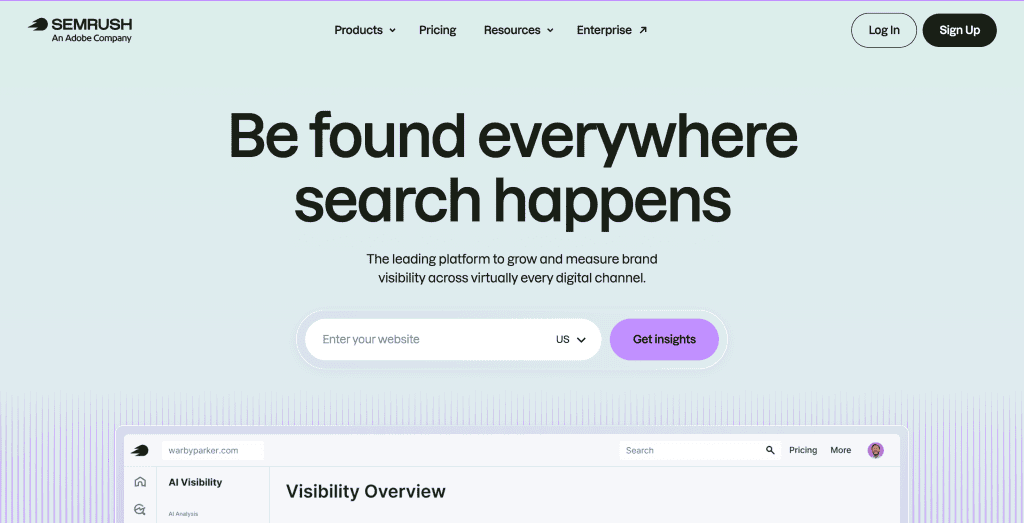
Best for: Teams and agencies that need keyword research, competitor analysis, backlink auditing, rank tracking, and content tools in a single platform.
Strengths: The keyword database is the deepest in the industry over 25 billion keywords. Competitor organic research is unmatched; you can see exactly which keywords any competitor ranks for and estimate their traffic. The platform covers the full SEO workflow: keyword research, content optimisation (SEO Writing Assistant), site auditing, backlink analysis, rank tracking, and now AI Visibility tracking for ChatGPT, Perplexity, and Google AI Mode in multiple regions.
Weaknesses: It’s expensive. The Pro plan at $139.95/month is the entry point for one user and limited historical data. The Guru plan at $249.95/month is where most professional users actually need to be. If you’re paying for Semrush and Surfer, you’re at $230–$390/month before any other tools.
The depth can also work against you. Semrush surfaces so many metrics and reports that new users regularly get lost, optimize for the wrong signals, or spend time in dashboards rather than on work that moves rankings.
Pricing: Pro $139.95/month | Guru $249.95/month | Business $449.95/month
Verdict: Genuinely the most comprehensive platform available. The right choice for agencies, consultants, or teams where SEO is a core revenue driver and the budget reflects that. Not the right choice for solo bloggers, small WordPress sites, or anyone whose monthly SEO budget is under $150 total.
Ahrefs: The Backlink and Research Standard

Best for: Backlink analysis, competitive research, and keyword research with strong intent classification.
Strengths: Ahrefs built its reputation on having the best backlink index in the industry, and that reputation holds. For understanding who’s linking to your competitors, what content earns links in your niche, and which keywords have attainable difficulty for your domain’s authority level, Ahrefs is as good as it gets.
The AI-enhanced keyword research accurately classifies search intent and surfaces content gap opportunities keywords your competitors rank for that you don’t.
Weaknesses: Content optimization is not Ahrefs’ strength. Most SEO professionals use Ahrefs for keyword discovery and treat content optimization separately, pairing it with Surfer SEO or Clearscope for the content writing phase. This means Ahrefs frequently becomes a second subscription on top of another tool, not a replacement for one.
Pricing: Lite $129/month | Standard $249/month | Advanced $449/month (annual discounts available)
Verdict: Indispensable for link building strategy, competitive analysis, and keyword research at a professional level. If backlinks are a core part of your strategy and you need the best data available, Ahrefs earns its price. If you’re primarily focused on content and on-page SEO for a WordPress site with a limited budget, there are better places to start.
Surfer SEO: The Content Optimisation Specialist
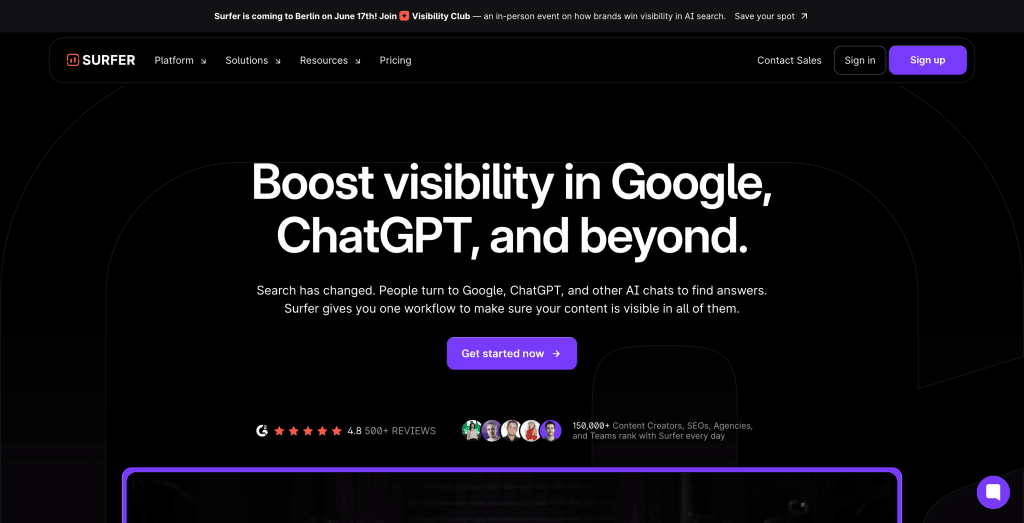
Best for: Writers and content teams who want real-time, data-driven feedback while creating SEO content.
Strengths: Surfer’s Content Editor is genuinely one of the best content optimisation interfaces available. The real-time Content Score has a documented correlation with rankings, and the NLP keyword suggestions surface semantic terms that keyword research alone wouldn’t surface. The Google Docs integration is a significant workflow advantage for teams with existing writing processes.
The Topical Map feature helps plan content clusters and is useful for content strategy rather than individual article optimisation.
Weaknesses: Surfer optimises for what already ranks, which creates a conformity risk. There is a Reddit discussion where some SEOs mentioned their sites were impacted by recent Google updates after they had optimized content with tools like Surfer suggesting Google may be improving its detection of content that appears overly engineered for SEO. Following the Content Score mechanically produces content that sounds like it was engineered for an algorithm, because it was. Human judgement has to override the recommendations when they push toward keyword-stuffed or stilted phrasing.
AI article generation is limited; the Essential plan includes only 5 AI articles per month, with $29/article overage charges, and the output typically requires significant editing before publication.
Pricing: Essential $99/month | Scale $219/month | Enterprise custom
Verdict: The right tool if content optimisation is your primary workflow and you’re publishing ten or more articles a month. For occasional publishers or sites where technical and on-page SEO are bigger bottlenecks than content scoring, the price-to-value ratio is harder to justify.
Clearscope: The Enterprise Content Standard
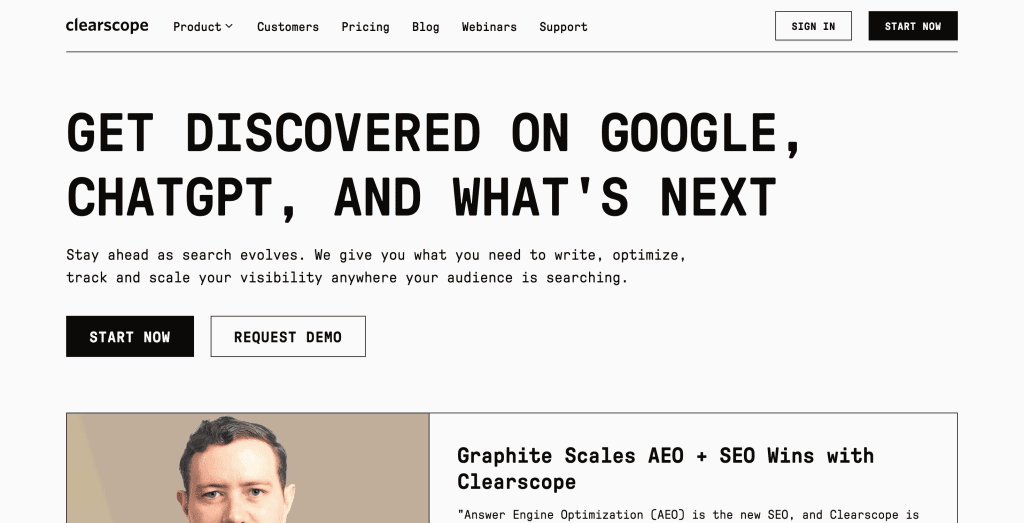
Best for: Enterprise content teams where multiple writers need consistent, reliable content optimisation guidance.
Strengths: Widely regarded as the most accurate content optimisation tool, with intuitive letter-grade scoring and highly reliable keyword recommendations. Preferred by enterprise content teams. Clearscope’s unlimited seats mean large content teams aren’t paying per user a significant cost advantage at scale.
Weaknesses: No built-in AI writing capabilities. Expensive for small teams. At $189/month, you get 50 keyword searches per month Surfer’s Essential plan gives 100 searches per day for $99/month.
Pricing: Essentials $189/month | Business $399/month
Verdict: The best content optimisation tool for accuracy and editorial workflow. Difficult to justify for solo operators or small teams when Surfer achieves similar outcomes at roughly half the price.
Frase: The Brief and Research Specialist
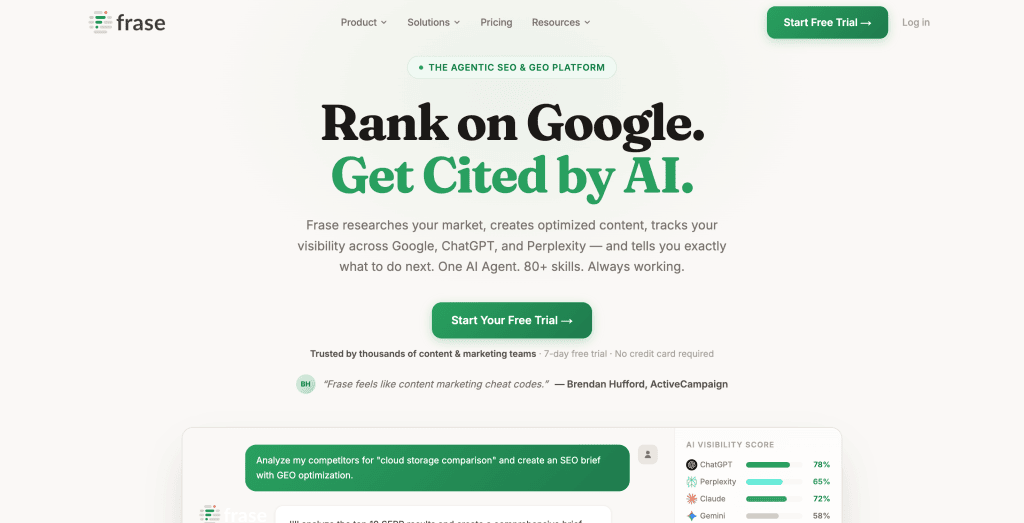
Best for: Teams producing high volumes of content who want to accelerate the research and briefing phase.
Strengths: Frase automates content research by pulling information from top-ranking pages common questions, statistics, topics covered and producing a usable content brief in minutes. Its dual SEO and GEO scoring shows how content aligns with both Google and AI platforms (ChatGPT, Perplexity, Claude, Gemini). The AI writing is included at all plan levels.
Weaknesses: Less granular SERP analysis than Surfer. Content scoring is less detailed. Better for speeding up the research phase than for fine-tuning an already-written article.
Pricing: From $45/month (Solo) | Teams from $115/month
Verdict: The best value entry point for content briefing and research automation. The right supplementary tool for teams producing multiple articles weekly who need a faster research workflow. Frase wins on affordability, Clearscope wins on accuracy, and Surfer wins on content optimization depth for most mid-market users.
ChatGPT & Claude: The Unbundled Option
Best for: SEO practitioners who know what they need and can prompt effectively.
Strengths: General-purpose AI assistants handle more SEO tasks than most people realise. Schema generation, meta description writing, content rewriting, keyword clustering, content gap analysis prompts, robots.txt auditing, internal link strategy, all of these can be done with a well-constructed prompt to ChatGPT or Claude, often producing results comparable to dedicated tools at $20/month.
Weaknesses: No real-time search data. No keyword volume or difficulty data. No rank tracking. No site crawling. ChatGPT and Claude are accelerators for tasks you know how to do — they don’t replace data tools.
Pricing: ChatGPT Plus $20/month | Claude Pro $20/month
Verdict: Underrated for individual SEO tasks and overrated as standalone SEO platforms. Best as a complement to data tools, not a replacement for them.
Screaming Frog: The Technical Standard
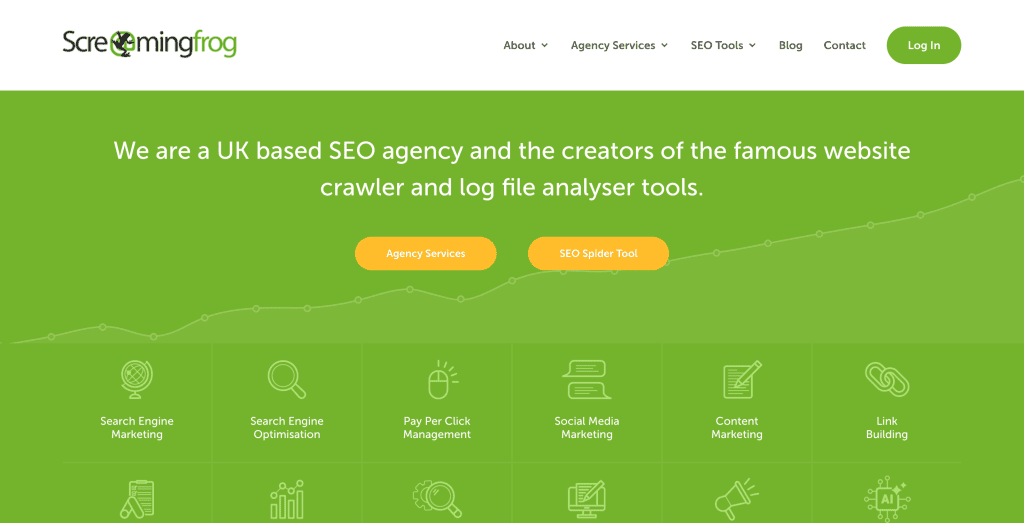
Best for: Technical SEO auditing on any size site.
Strengths: Screaming Frog is the closest publicly available approximation of how Google crawls a site. It surfaces broken pages, redirect chains, duplicate content, missing tags, orphaned pages, and dozens of other technical issues with a level of precision that no other free tool matches. The free version crawls up to 500 URLs.
Weaknesses: No AI layer, this is a data tool, not an intelligence tool. It surfaces the issues; you diagnose them. Requires technical knowledge to interpret results correctly.
Pricing: Free up to 500 URLs | Paid £259/year (approximately $325/year)
Verdict: Essential for any site doing serious technical SEO work. The paid version is excellent value for what it delivers.
SureRank: The WordPress SEO Execution Expert
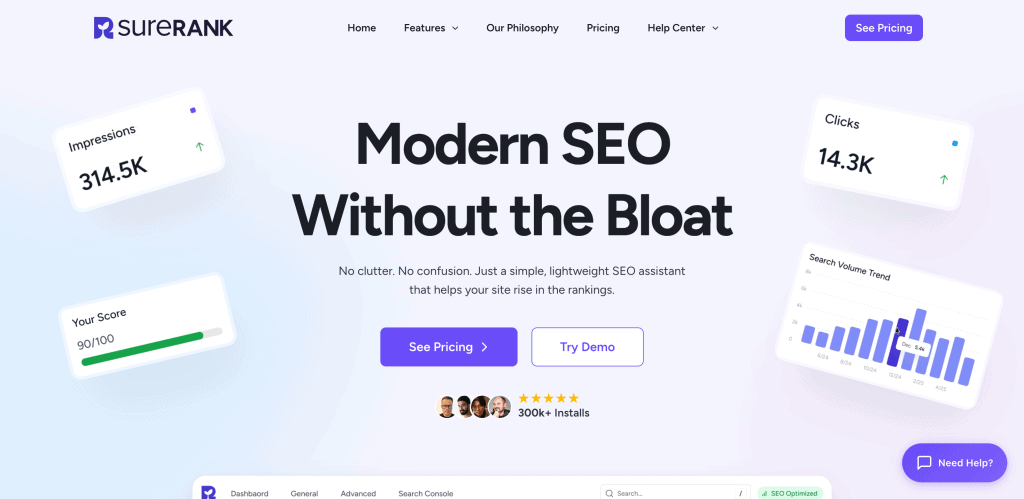
WordPress site owners who want SEO execution integrated directly into publishing. Where SureRank Fits Differently. Most SEO tools analyse problems. SureRank focuses on implementation. That difference matters enormously operationally. Because for many WordPress sites, the biggest SEO bottleneck isn’t lack of strategy. It’s inconsistent execution.
SEO work quietly falls through the cracks because:
- metadata doesn’t get updated
- internal links never get added
- schema stays incomplete
- indexing settings get overlooked
- image optimisation gets ignored
SureRank was built specifically to close that operational gap. Directly inside WordPress.
The real cost of a professional external AI SEO stack:
| Tool | Purpose | Monthly Cost |
| Semrush Guru | Keyword research + rank tracking | $249.95 |
| Surfer SEO Scale | Content optimisation | $219.00 |
| Screaming Frog | Technical audits | ~$27 |
| Total | ~$496/month |
That’s a $496 monthly investment before you’ve handled the on-page SEO, schema, meta tags, and internal linking inside WordPress which still requires a separate plugin.
A budget stack looks like this:
| Tool | Purpose | Monthly Cost |
| SE Ranking Essential | Keyword research + rank tracking | $65.00 |
| Frase Solo | Content briefs + optimisation | $45.00 |
| Screaming Frog | Technical audits (free for <500 URLs) | $0 |
| Total | $110/month |
Still $110/month, still missing the on-page SEO layer inside WordPress.
Where SureRank’s Built-in AI Fits in the Stack
Here’s the thing no external AI SEO tool can do: work natively inside your WordPress editor, on your site’s actual content, with full access to every page’s indexing status, canonical settings, schema markup, meta tags, and internal link structure without a separate tool, a CSV export, or a browser tab you have to remember to open.
That’s the gap SureRank fills, and it’s a category that doesn’t have a direct competitor in the external tool landscape, because external tools, by definition, can’t live inside WordPress.
SureRank’s built-in AI handles the on-page SEO layer that every external stack leaves to a plugin:
- AI Meta Tag Generation: Click Generate in the SureRank panel while editing any post. The AI reads your page content and produces a title tag and meta description optimised for keyword placement, character limits, and search intent. Not a template, an output built from your actual content. For sites with existing published content missing meta tags, SureRank Pro’s bulk generation processes your entire backlog in one operation. This is the task that would otherwise take a week of manual work or require running every page through an external tool.
- AI Internal Link Suggestions: As you write or edit any post, SureRank reads the content and surfaces the most contextually relevant pages from your site to link to. The link-building research that normally requires opening your own site in a separate tab and searching manually happens in the editor as you write.
- Redirection Manager: Every time a URL changes on your site, you create a broken link that bleeds the SEO equity the original URL had built. SureRank’s built-in Redirection Manager lets you create, manage, and monitor all your 301 and 302 redirects directly inside WordPress, no separate plugin, no .htaccess editing. For any site that has restructured URLs, migrated from another plugin, or updated permalink settings, this is the difference between rankings that recover and rankings that quietly disappear.
- Site SEO Audit: SureRank scans your entire WordPress site and surfaces issues in plain language inside the dashboard, missing meta tags, canonical misconfigurations, no-index errors, sitemap problems, robots.txt issues, and HTTPS setup, so problems get caught before they quietly suppress rankings for months. This doesn’t replace Screaming Frog for deep technical work, but it keeps the WordPress-specific SEO layer clean on an ongoing basis without needing a separate audit tool.
- Search Console Integration: SureRank pulls your Search Console data inside WordPress. Keyword rankings, impressions, CTR by page visible in the same dashboard where you manage the site. The workflow of checking performance and making on-page changes happens in one place.
The stack economics with SureRank:
| Tool | Purpose | Monthly Cost |
| SE Ranking Essential | Keyword research + rank tracking | $65.00 |
| Frase Solo | Content briefs + optimisation | $45.00 |
| SureRank Pro | On-page AI, audit, meta, schema, internal links | $8.25 |
| Total | $118.25/month |
Same budget-tier stack as before, but now with the on-page WordPress layer fully covered. For sites where most SEO bottlenecks are in on-page execution rather than competitive keyword research or content scoring, SureRank Pro alone, at $8.25/month, addresses the majority of the work.
For WordPress sites that aren’t at the level of needing Surfer or SE Ranking yet, SureRank Pro combined with Google Search Console (free) and Screaming Frog free tier covers the on-page, technical, and tracking layers completely, at under $10/month. That’s not a compromise stack. That’s the right stack for a site in its first year.
Start with SureRank’s free version. Credit Card Not Required!
The Honest Bottom Line
The AI SEO tool market in 2026 is genuinely useful and genuinely oversold at the same time.
AI generates recommendations and drafts, but human review remains essential. Search engines increasingly reward content that demonstrates expertise, experience, authoritativeness, and trustworthiness qualities that require human judgement to deliver consistently. AI can speed up the work, but it can’t replace the strategic thinking and subject matter expertise that make content genuinely valuable.
The best AI SEO tool is the one that removes friction from the part of the SEO workflow that’s slowing you down most without adding subscription costs that outweigh the traffic gains.
For most WordPress site owners, the biggest bottleneck isn’t keyword research or content scoring. It’s on-page execution: meta tags that don’t get written, schema that doesn’t get applied, internal links that don’t get built, images whose alt text never gets filled in. These are the unsexy, operational SEO tasks that compound quietly into significant ranking suppression.
SureRank’s built-in AI was built to clear that backlog and then stay in your workflow so it never builds up again.
The rest of the stack you build on top of that foundation depends on your budget, your publishing volume, and how competitive your target keywords are.
Start with what blocks you most. Add tools as the returns justify the cost.
Read next: our complete WordPress SEO audit guide shows you how to use these tools together in a structured audit process, and our breakdown of why your website isn’t ranking on Google connects tool selection to the specific ranking problems they’re designed to solve. If you’re evaluating SureRank against other SEO plugins specifically, see our SureRank vs Rank Math and SureRank vs Yoast comparisons.


Recommended Articles
Where’s the Focus Keyword Field in SureRank?
Where Is the Redirection Feature in SureRank?
Is SEO Dead? Or Is It Evolving Again?