
Your Search Data, Right Where You Edit
Google Search Console knows what is working on your site. SureRank pulls that data into WordPress, so you act on it while you are already in the post.
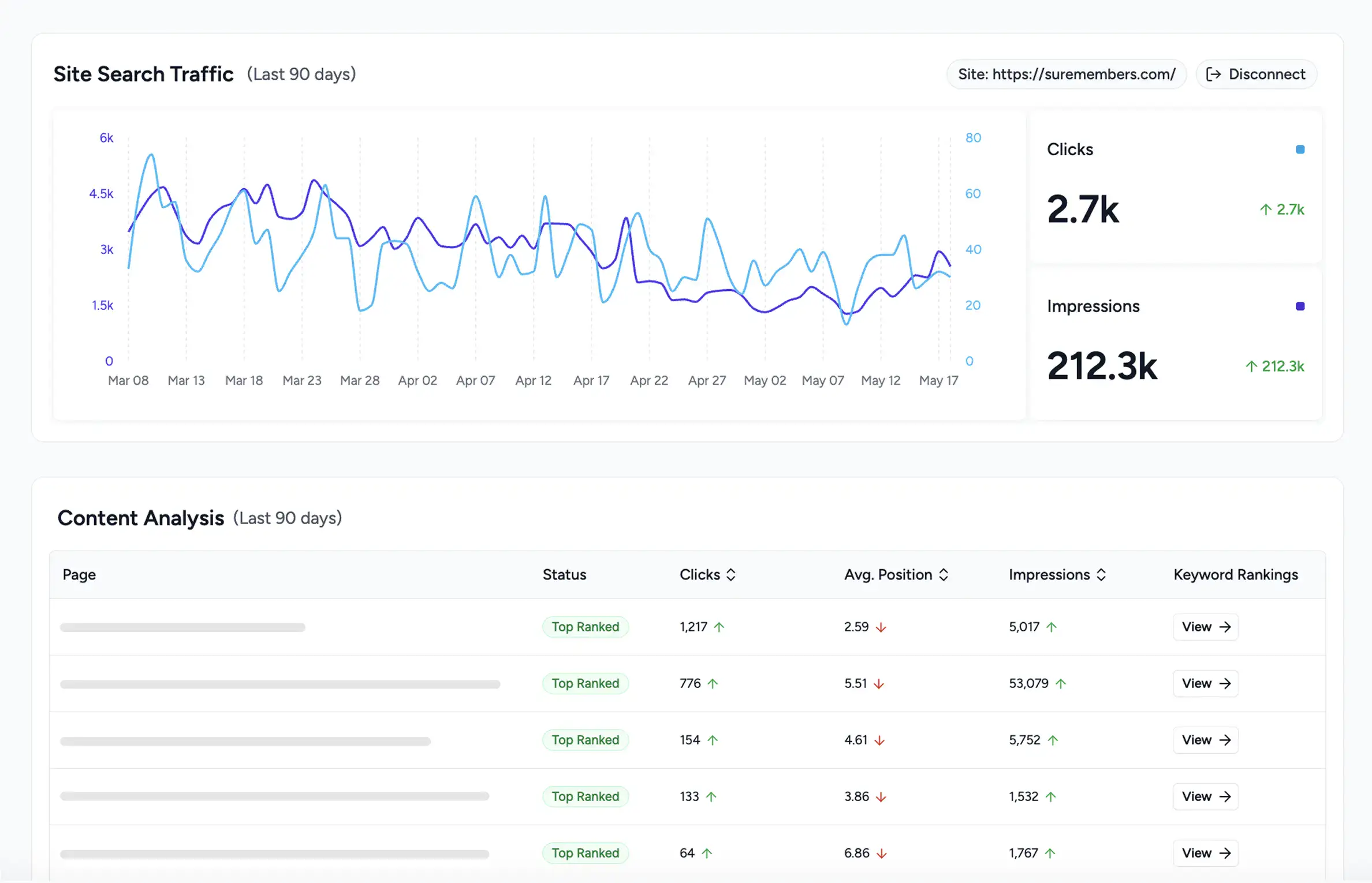
Search Console Insights Without the Tab Juggling
OAuth in Two Clicks
One click connect with your Google account. No API keys to copy or manage at all manually.
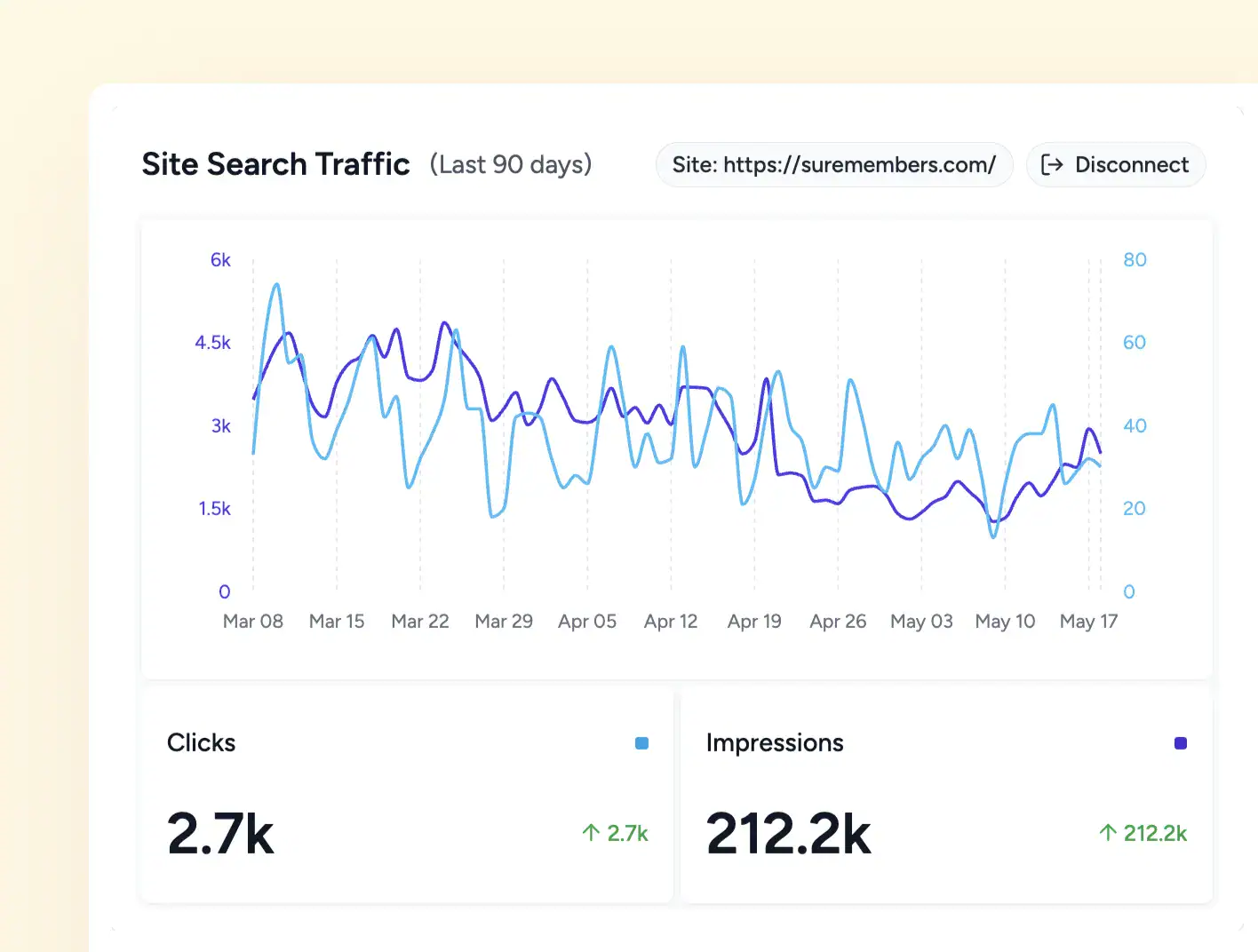
90 Day Performance View
See total clicks and total impressions over the last 90 days, right on the dashboard.
Multi Property Support
Switch between every connected property from a single dropdown built for agencies.
Everything Search Console adds to SureRank
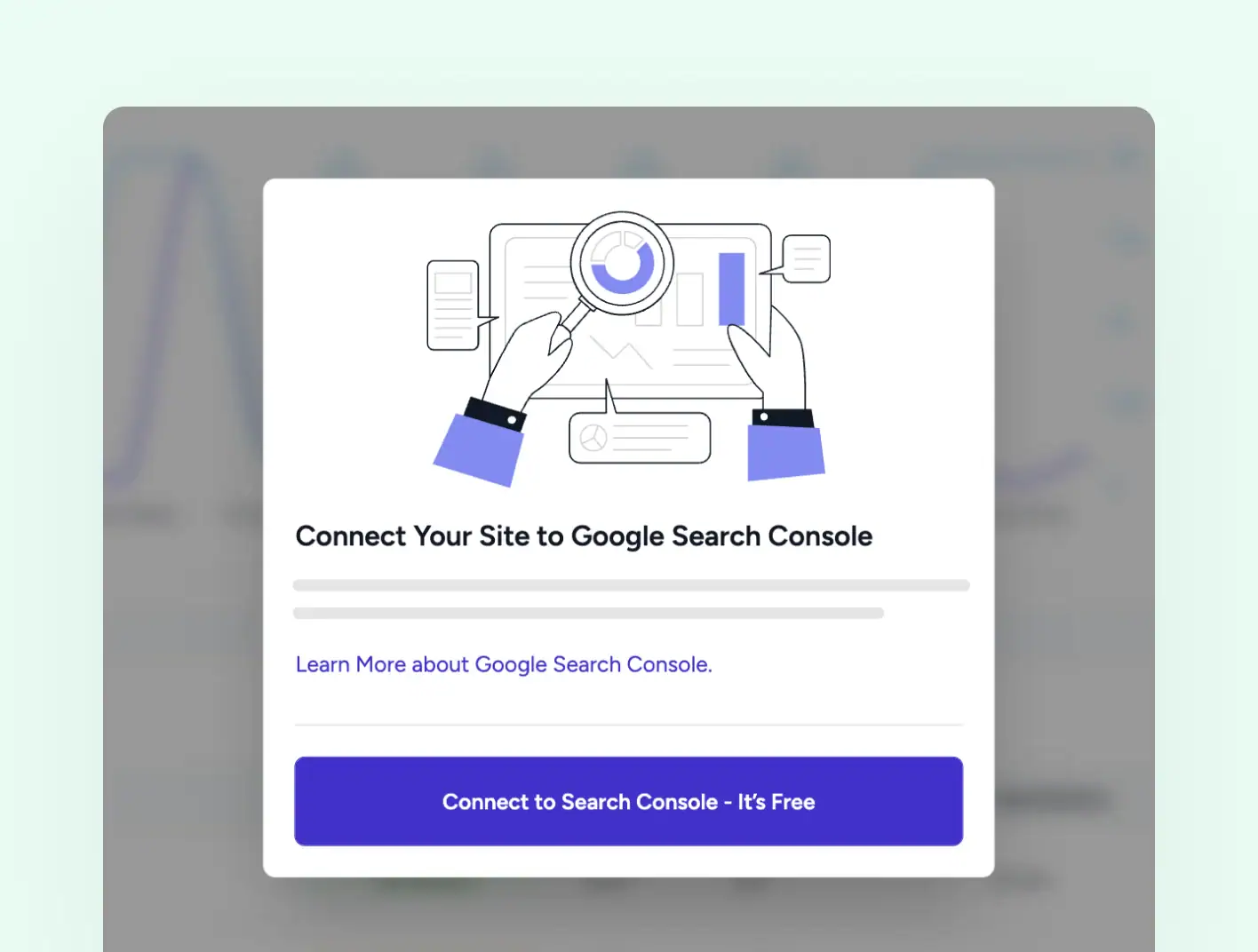
Quick Connect
Connect Once, See It Everywhere
Click Connect, authenticate with Google, and SureRank fetches your verified property in seconds. If the property is new, SureRank can add the verification tag for you so you do not have to copy code into your header.
-
One click OAuth, no credentials to copy
-
Auto Verification for New SureRank Properties
-
Switch Sites Across Multiple Properties
Site Wide View
Site Performance at a Quick Daily Glance
The SureRank dashboard shows total clicks and total impressions for the last 90 days, with a line chart for each. Spot trends in your search traffic without opening a new tab.
-
Total clicks and total impressions over a 90 day window
-
Line chart for trend, not just a single snapshot
-
Content Analysis to Compare with Top-Ranking Pages
See Which Pages Google Is Ranking
The Content Analysis table lists every page Search Console has data for, with clicks, average position, and impressions side by side. Trend arrows show what is climbing and what is slipping.
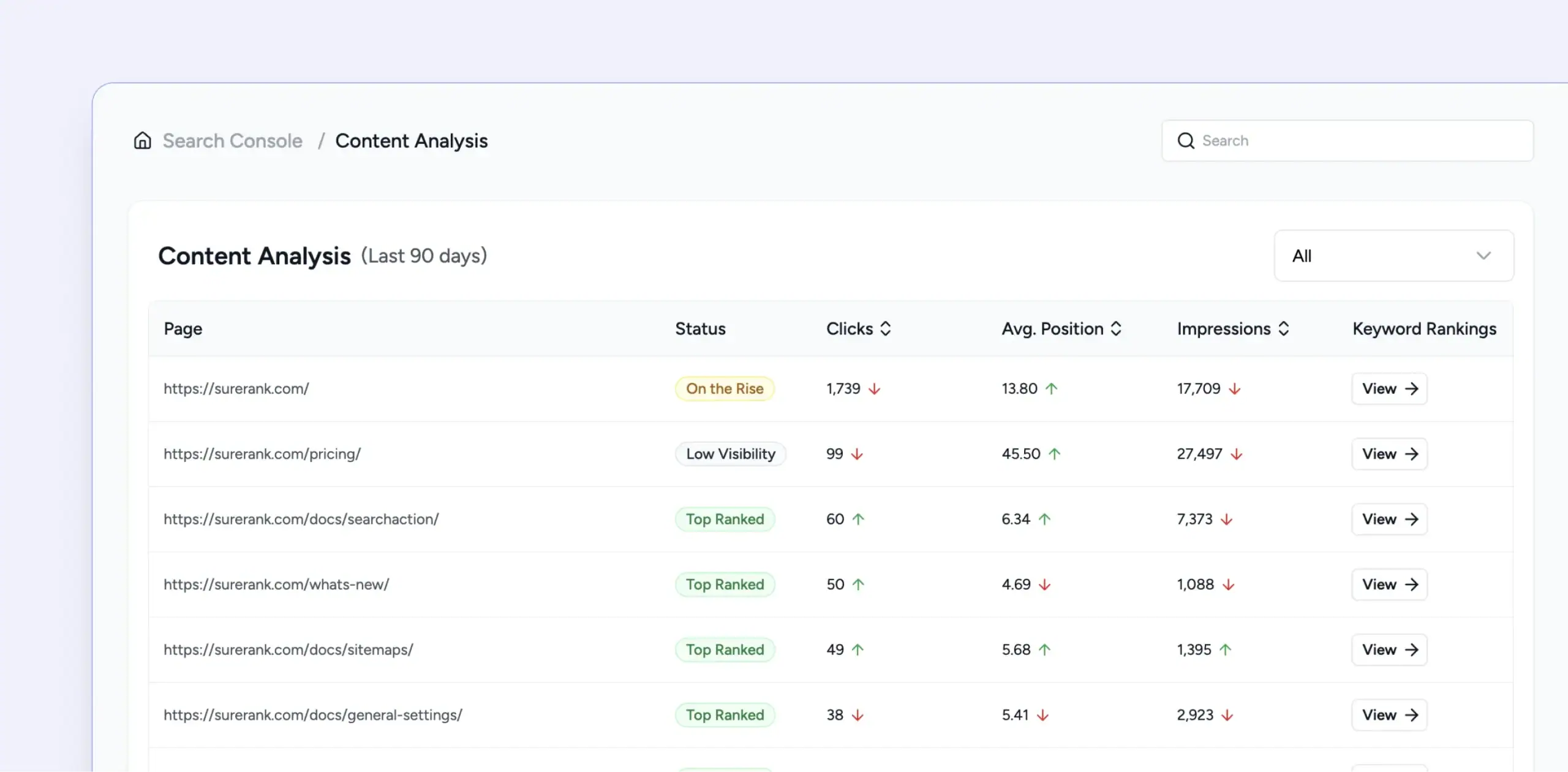
Status at a Glance
Top Ranked, On the Rise, and Low Visibility badges flag which pages to act on now.
Trend Arrows
Every metric carries an up or down arrow, so movement is visible at a glance.
Keyword Drill Down
Tap View on any page to see the keywords it ranks for and performance.
See Your Search Performance Without Leaving WordPress
Free to connect. Works on any verified Search Console property.
From Connect to Data in Three Simple Steps
Connect with Google
Click Connect to Search Console. Authenticate the Google account used.
Pick Your Property
Select the verified property that matches your site from the short list.
See Your Data
Clicks, impressions, and per page queries appear inside your dashboard
I used to open Search Console once a month, scroll, and forget. With SureRank it is right beside the editor every time I touch a post.
Davide Baraldi
SEO and WordPress Specialis
Who it suits
Built for the way you work in WordPress
If any of this sounds like your site, SureRank’s Search Console integration will fit right in.
Editorial Teams
Add Article, FAQ, and HowTo schema as you write. Stand out with rich snippets that drive clicks.
Agencies
Ship consistent structured data across every client site. Page-level overrides for the pages that matter most.
WooCommerce stores
Auto product schema, faster indexing, and listing checks on every page.
Site Owners
LocalBusiness schema with 50+ subtypes. Hours, areas served, and contact info in a few fields.
Solo Bloggers
Article, DiscussionForumPosting, and News Sitemap support. Stay eligible for Top Stories and Google News.
Content strategists
Course, Event, and JobPosting schema with all required fields. Show dates, prices, and locations in search.
Got Questions? We’ve Got Answers
All you need to know about SureRank

Have other questions?
Just reach out—we’re here to help!
No. SureRank uses OAuth to fetch data from your verified property into your WordPress install. Nothing is stored on our servers.
SureRank pulls fresh data on dashboard load and on a daily background schedule, so the numbers stay current without manual work.
Yes. Use the Switch Site dropdown to move between any properties connected to your Google account.
Useful for agencies and multi-brand teams managing more than one site.
SureRank can add the Google verification tag to your site header automatically. In most cases verification completes instantly.
Some properties may take one to two days to confirm.
Clicks and impressions over the last 90 days, plus content level performance for the verified property.
The data appears on the dashboard and inside the post editor, so you always have context when writing.
No. Data is fetched on the WordPress admin side only. There is no impact on the front end your visitors see.
Email [email protected] and we will point you in the right direction.


