
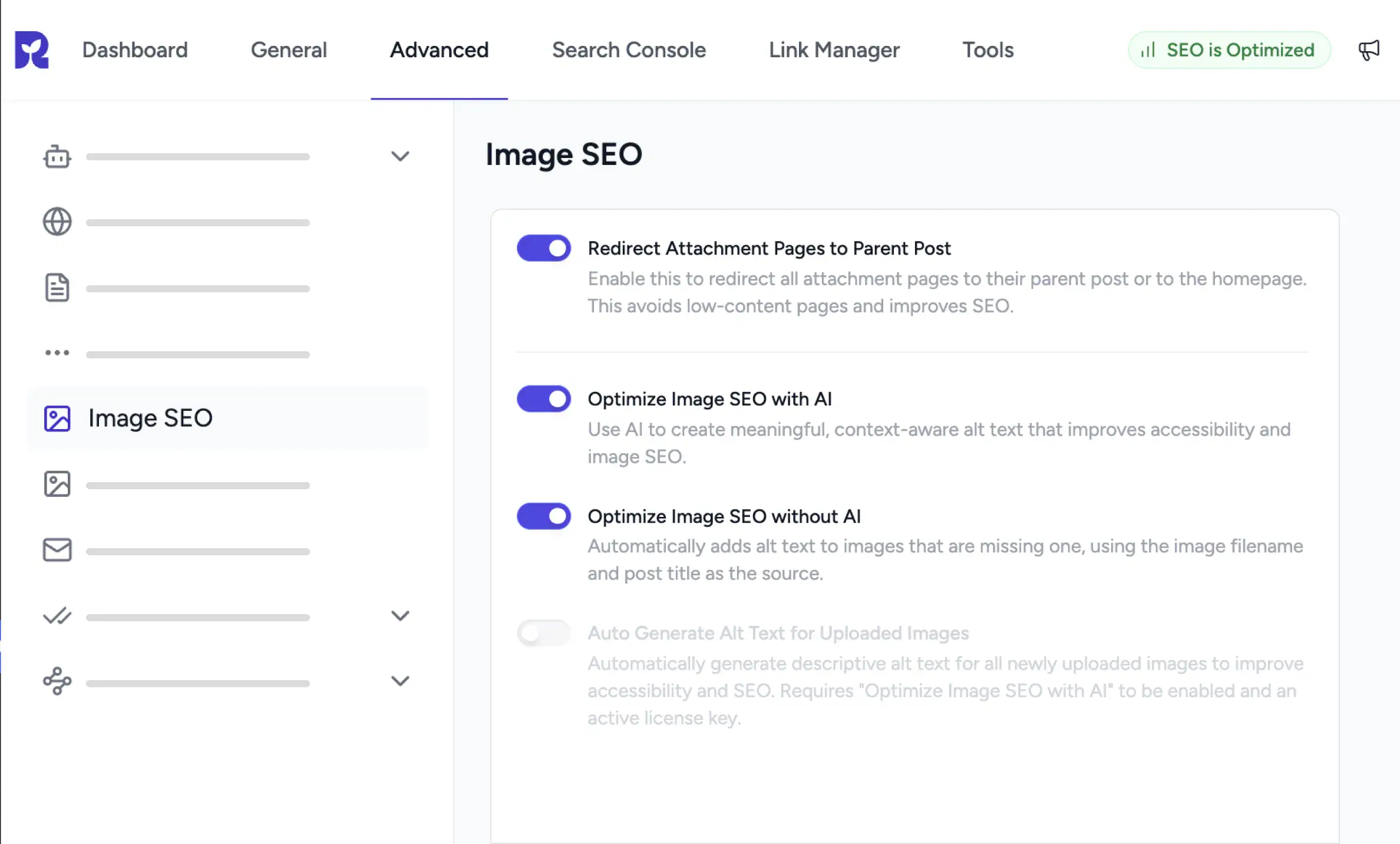
Image SEO That Runs in the Background
Automatic Alt Text
SureRank fills in missing alt text from the file name and post title, automatically.
AI Generated Alt Text
AI reads each image and writes a description. Run it on one image or many.
Cleaner Image Pages
Redirect attachment pages to their parent post so thin pages stay out of search.
How Image SEO Works in SureRank
Automatic Alt Text
Never Ship an Image Without Alt Text Again
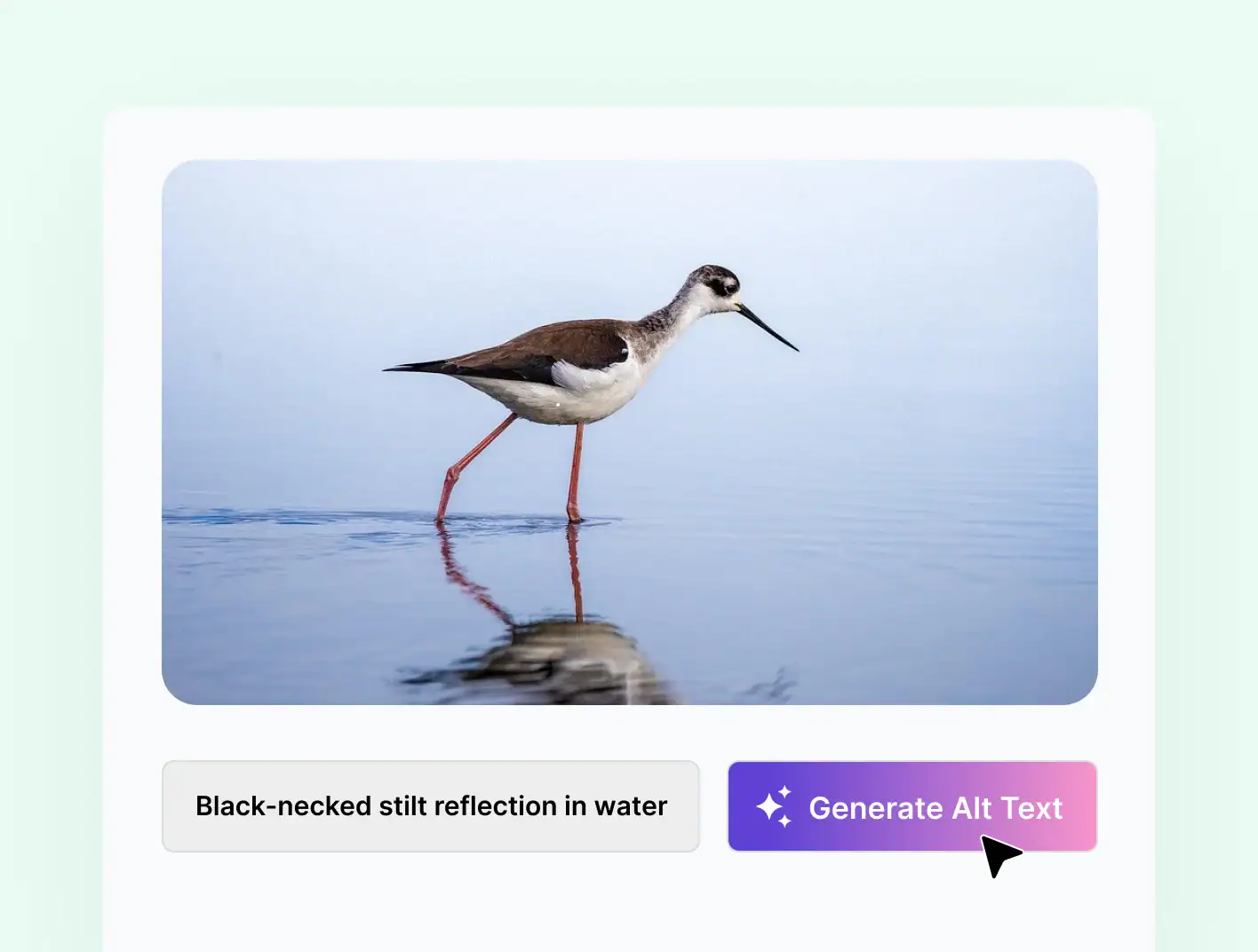
SureRank watches for images that ship without alt text and fills them in for you. The auto generated text is based on the image file name and the post title, so nothing goes live blank.
-
Auto fills missing alt text from file name and post title
-
Covers post thumbnails and in content images
-
Disable per WordPress filter if you prefer manual control
AI Alt Text
Context Aware Descriptions, Generated by AI
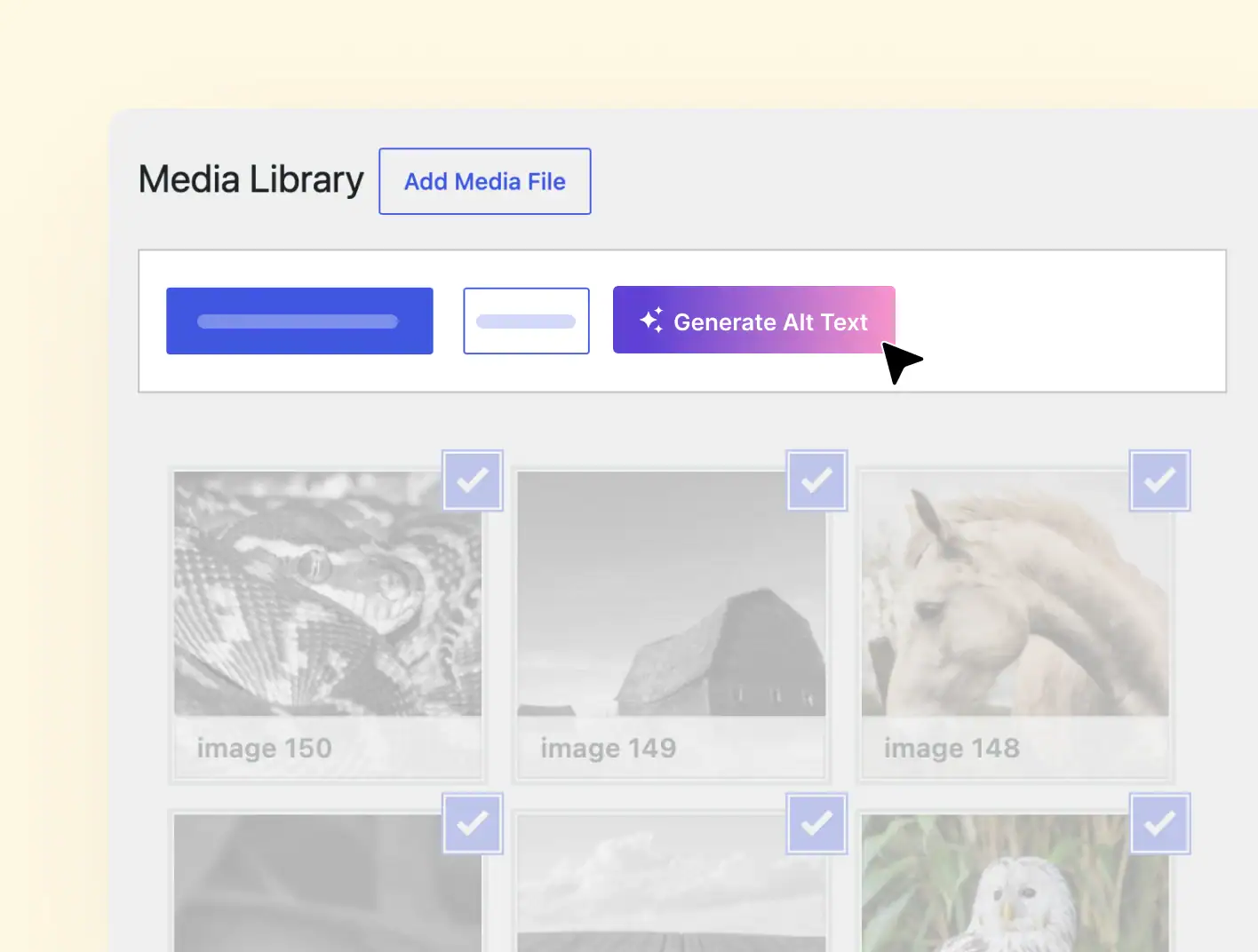
On Pro, AI reads the image and the surrounding post and writes alt text that describes what is actually there. Use it on one image, on a batch, or have it run automatically when you upload.
-
Generate using AI in the Media Library and the post editor
-
Bulk Generate Alt Text across selected images
-
Auto generate alt text on every new upload
Attachment Page Redirect
Keep Thin Image Pages Out of Search
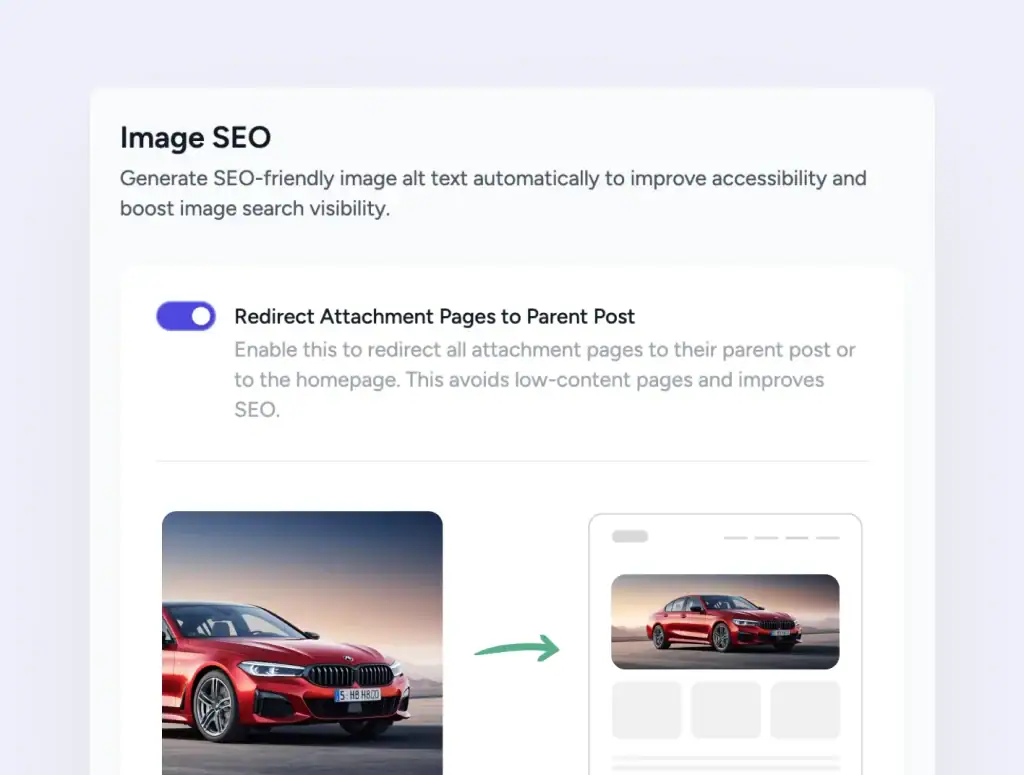
WordPress creates an attachment page for every image upload, and most of them are thin pages that hurt SEO. SureRank redirects them to the parent post or the homepage, so search engines stay focused on your real content.
-
Redirect attachment pages to the parent post
-
Falls back to the homepage when no parent exists
-
Toggle on or off from settings
Stop Writing Alt Text by Hand
Free for file name based alt text and attachment redirects. Pro unlocks AI generation across your library.
Three Steps to Optimized Images
Open Image SEO
Go to SureRank, Advanced, then Image SEO.
Pick Your Settings
Toggle attachment redirect, automatic alt text, and AI generation.
Save and Go
Existing and future images are handled from then on.
Bulk Generate Alt Text turned a six month backlog into an afternoon. The AI descriptions are accurate, not generic, and accessibility scores jumped right away.
Davide Baraldi
SEO and WordPress Specialis
Who it suits
Image SEO Built for Real Content Workflows
If any of these sound like your site, SureRank’s Image SEO will fit right in.
Image Heavy Publishers
Travel, food, and lifestyle sites save hours on alt text every week.
Photographers & Portfolios
Every shot deserves a real description. AI writes it so you focus on shooting.
WooCommerce Stores
Product photo alt text improves Google Images visibility
Knowledge Bases
Diagrams and screenshots get clear alt text so help articles stay accessible.
Accessibility Focused Teams
Meet WCAG alt text expectations without rebuilding old content
Multi site Teams
AI alt text respects post language so descriptions stay consistent
Got Questions? We’ve Got Answers
All you need to know about SureRank

Have other questions?
Just reach out—we’re here to help!
No. SureRank only fills in alt text on images that are missing it. Anything you have already set stays exactly as you wrote it.
The image file name and the post title. It is the simplest fallback, designed to make sure no image ships completely blank.
The image itself plus context from the post. On multilingual sites, the post’s language is respected so descriptions match the locale.
Yes. Add the WordPress filter surerank_image_seo_enable_alt returning false in your child theme or a custom plugin. SureRank will then leave alt text alone.
WordPress creates a separate page for every image upload. Most are thin pages with little content. Redirecting them keeps search engines focused on your real content.
No. Image SEO is focused on alt text and attachment redirects. Compression, resizing, WebP conversion, and lazy loading are not part of this module.


