
Submit URLs Directly to Google for Indexing
Connect your Google service account and notify Google instantly when your content is published, updated, or removed.
IndexNow, Built Into Your WordPress
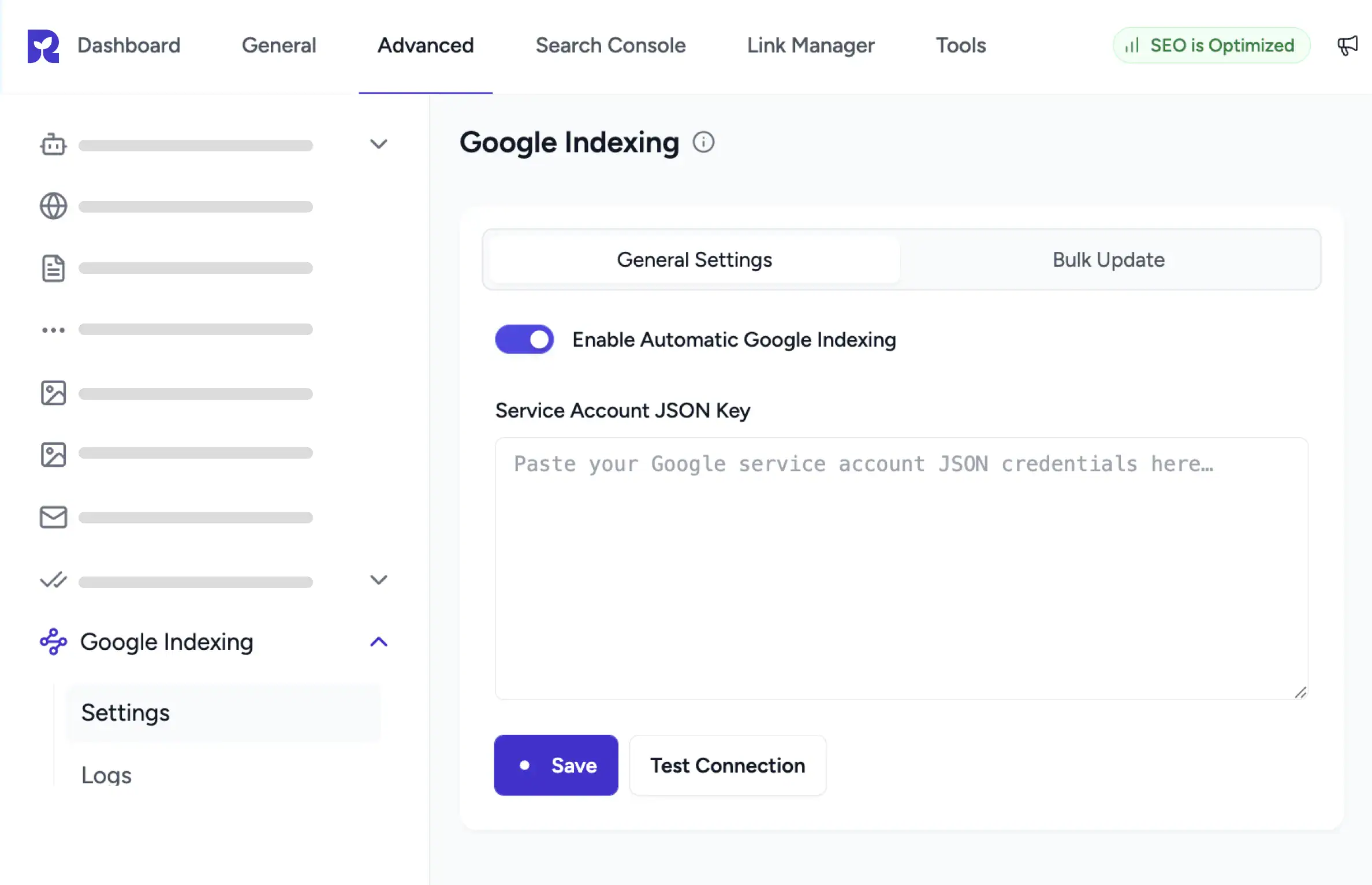
Connect Once, Index Forever
Paste your service account JSON, test the connection, then let auto indexing handle the rest.
Submit & Remove URLs
From the WordPress list view, or from the Bulk Update tab with Update URL and Remove URL.
Logs and Quota Visible
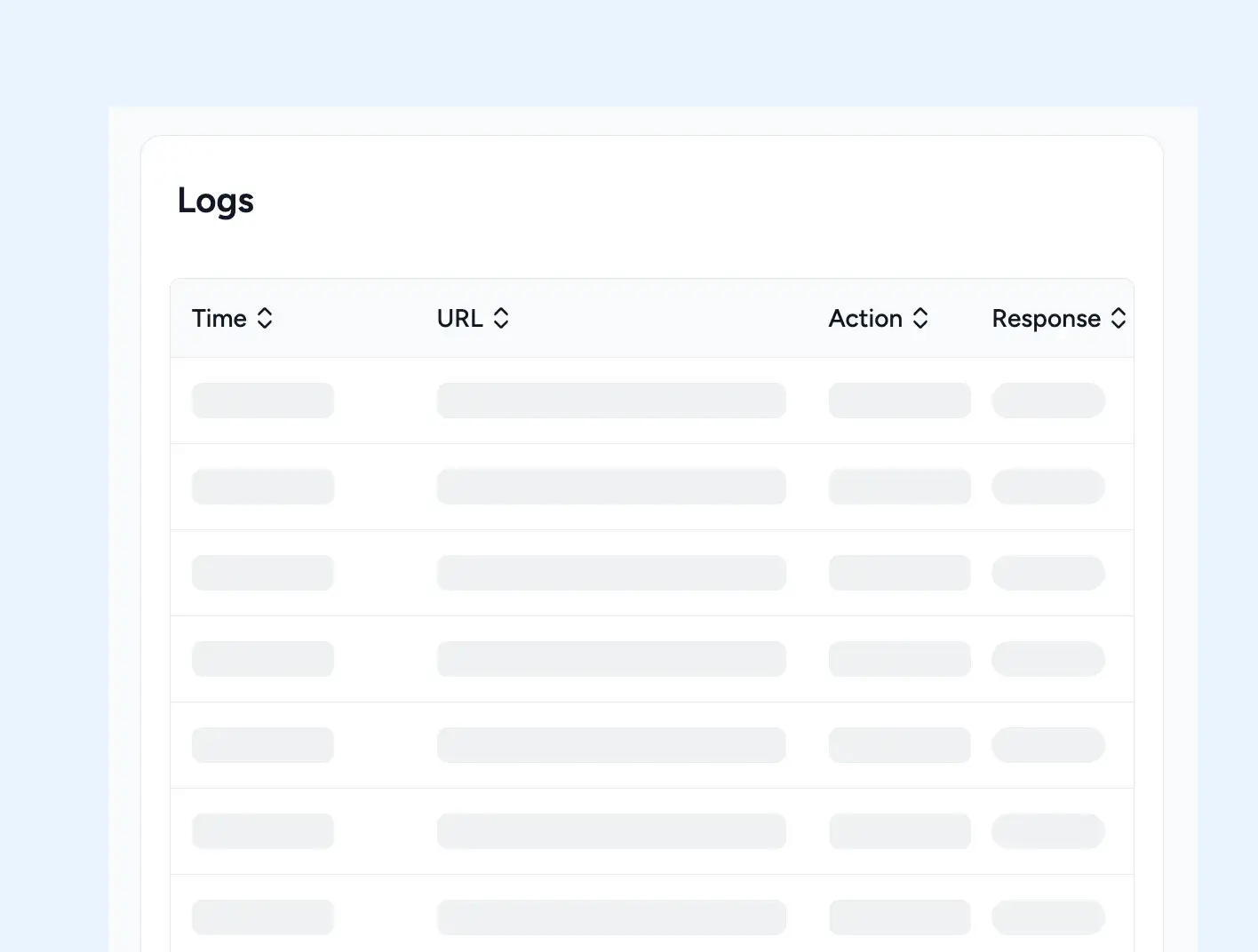
The Logs page shows Time, URL, Action, and Response. Daily and per minute quota tracked on the dashboard.
How Google Indexing Works in SureRank
Connect and Automate
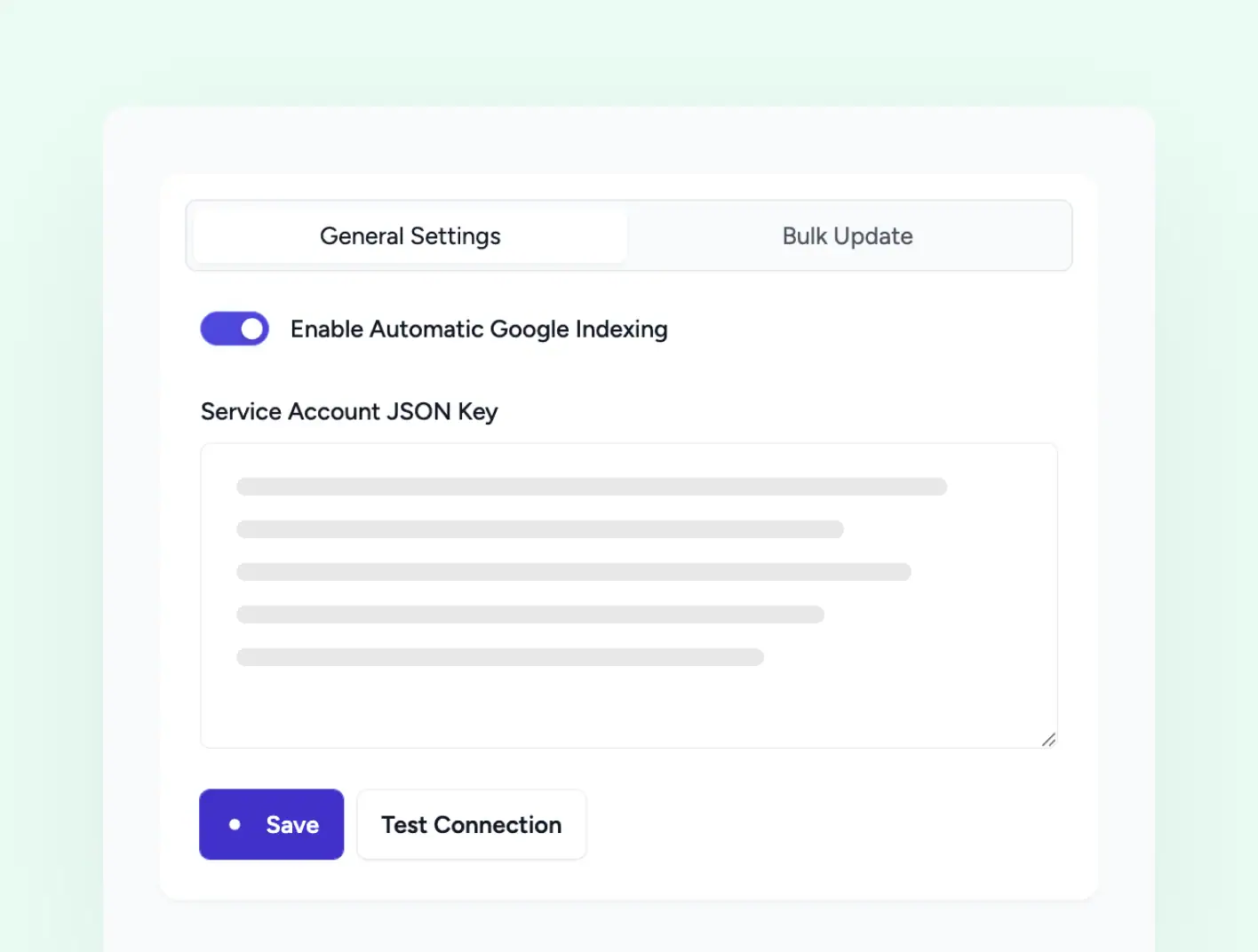
Paste, Test, Enable, Done
Open General Settings, paste your Google service account JSON, click Test Connection to verify it works, then enable Automatic Google Indexing. From that moment, every publish and update fires a ping to Google.
-
Service Account Key stored securely in the database
-
Test Connection verifies credentials before saving
-
Exclude Post Type chips keep chosen CPTs out
List View Bulk Action
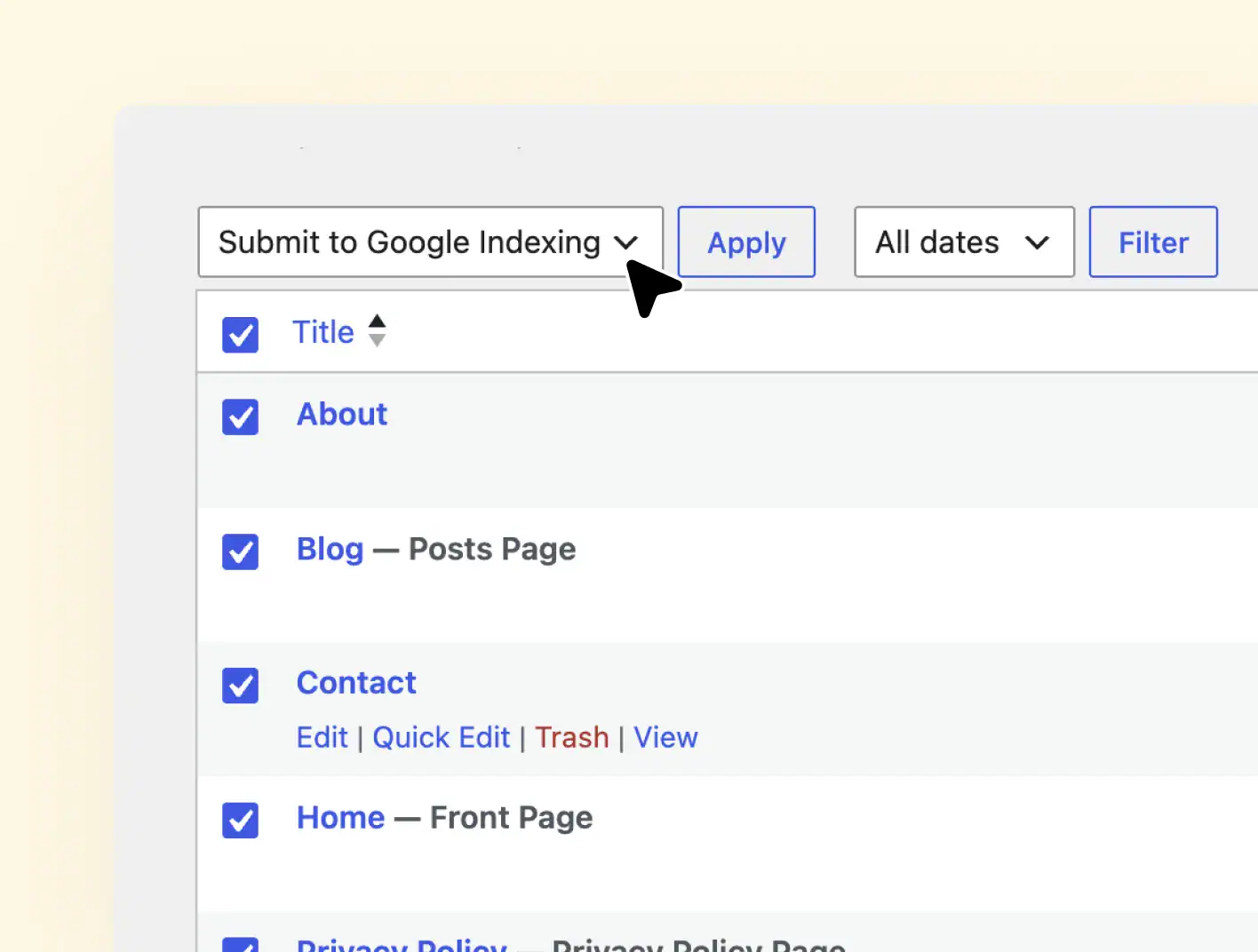
Submit or Remove Selected Posts From WordPress
Open the Posts, Pages, or any CPT list in WordPress, tick the items you want, then choose Submit to Google Indexing or Request Google Removal from the Bulk actions dropdown. SureRank pushes the selection in one pass.
-
Submit URLs from WordPress Bulk Actions
-
Request Google Removal for selected URLs
-
Supports Posts, Pages, and Custom Post Types
Bulk Update Tab
Bulk Submit and Remove URLs in One Click
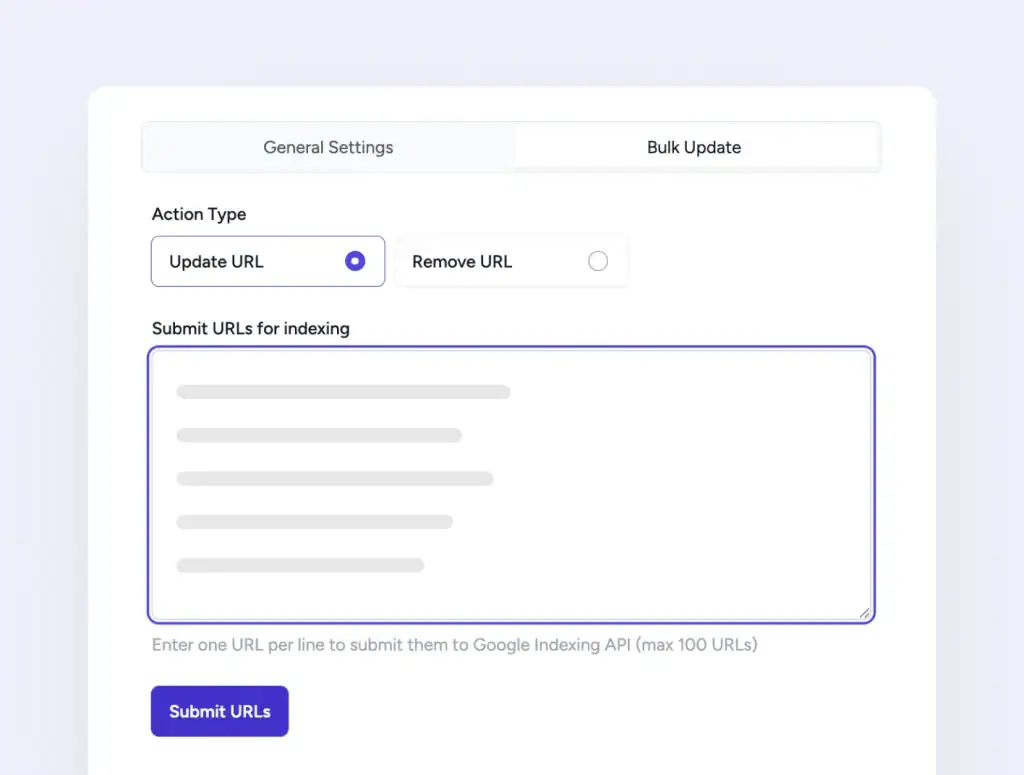
Open the Bulk Update tab inside Google Indexing settings. Pick Update URL or Remove URL as the Action Type. Paste up to 100 URLs one per line, then click Submit URLs. Useful for URLs that may not exist in your WordPress lists.
-
Action Type radio, Update URL or Remove URL
-
One URL per line, up to 100 URLs per submission
-
Single Submit URLs button starts the batch
Submission Logs
Audit Every Submit and Removal
The Logs page records each request with the timestamp, the URL, the Action type, and the response from Google. Sort by any column, clear the log when you need a fresh slate.
-
Time, URL, Action, and Response logged
-
Action column shows update or remove for each entry
-
Tracks daily and per-minute Google quotas
Stop Waiting for the Next Crawl
Both indexing channels are part of SureRank Pro. Set them up once and never think about indexing again.
How It Works, Three Setup Steps
Get Service Account JSON
Create a Google service account in Google Cloud Console and download the JSON key.
Paste and Test
Paste the JSON into SureRank, click Test Connection, save when it confirms green.
Enable Automatic Indexing
Flip the toggle, save, and SureRank automatically pings Google on every publish or update.
Bulk Generate Alt Text turned a six month backlog into an afternoon. The AI descriptions are accurate, not generic, and accessibility scores jumped right away.
Davide Baraldi
SEO and WordPress Specialis
Who it suits
Sites That Need Google to Move Faster
If any of these sound like your site, Google Indexing will fit right in.
News Publishers
Breaking stories reach Google within minutes of publish, not days later.
Job Boards
Job listings get indexed quickly. Removal happens when roles close.
Event Sites
Event pages indexed before the date arrives, then removed once it passes.
WooCommerce stores
Product updates and price changes reach Google faster.
High Frequency Bloggers
Daily posts get indexed the same day, not next week.
Site Cleanups
Use Request Google Removal to pull deleted URLs out of Google’s index.
Got Questions? We’ve Got Answers
All you need to know about SureRank

Have other questions?
Just reach out—we’re here to help!
Yes. You need a Google Cloud service account with access to the Indexing API. Once you paste the JSON into SureRank, the rest is automated.
No. Google Indexing integration is part of SureRank Pro.
It validates your service account JSON against the Google Indexing API before you save, so you know the connection works before going live.
Update URL tells Google to index or re-index a URL. Remove URL sends a URL_DELETED signal to take the page out of Google’s index. Both run through the same Google Indexing API.
100 URLs per submission through the Bulk Update tab. Paste one URL per line, choose Update URL or Remove URL, then click Submit URLs.
Google sets the limits: 200 publish requests per day per project, 380 requests per minute, and 180 metadata requests per minute. SureRank tracks usage so you know your remaining quota.


